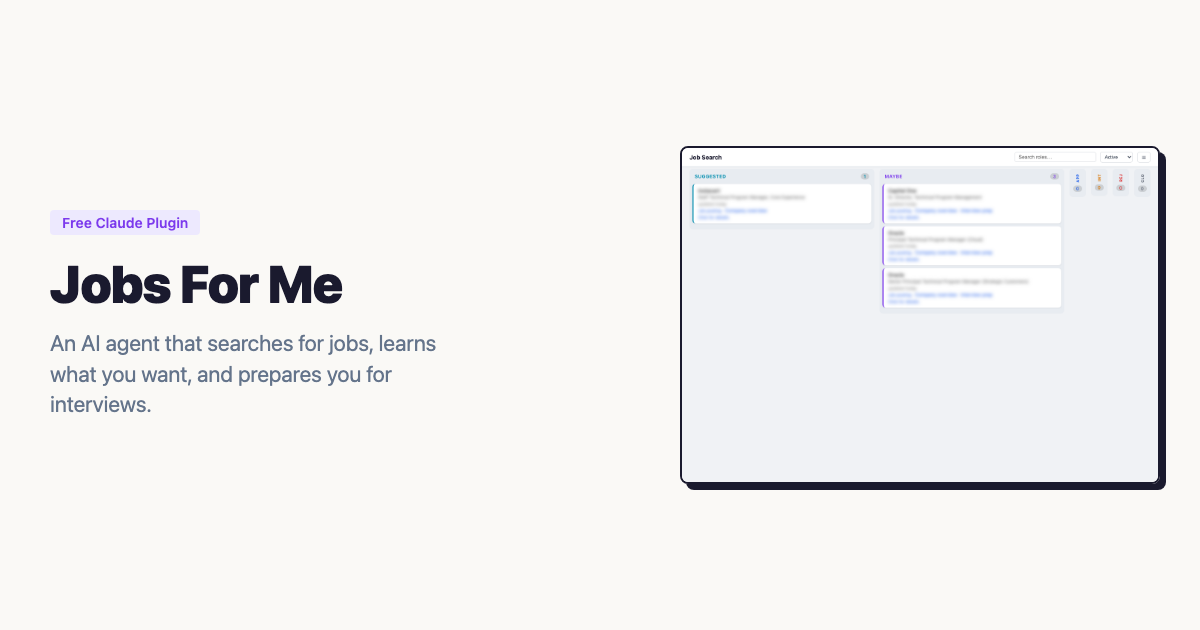
Jobs For Me — a Claude Work plugin that searches for jobs, assesses fit, and tracks your pipeline
The problem #
Job searching is the worst kind of work for someone like me. I’m organized—I like systems, pipelines, structured data. But the actual mechanics of a job search? Check the same boards every morning. Read the same boilerplate job descriptions. Try to remember which companies you’ve already looked at. Copy-paste role details into a spreadsheet. Do it again tomorrow.
I’d been away from corporate work for about nine months, running my consulting practice at AlwaysMap, when I started exploring the market again. Not urgently—just keeping an eye on what’s out there. And I immediately remembered why I hate this process. It’s not hard work, it’s just repetitive enough to be draining. I figured Claude could handle most of it.
What I built #
Jobs For Me is a Claude Work plugin that turns Claude into a job search agent. You tell it what kind of roles you’re looking for, and it searches job boards and company career pages on your behalf. It assesses each role against your background with a structured recommendation—Strong, Moderate, Stretch, or Pass. It learns from your decisions: every time you decline a role with a reason, the agent updates its filters so the same kind of bad suggestion doesn’t come back.
Everything lives as plain files in a folder you pick—YAML for structured data, markdown for documents. No database, no server, no API keys beyond your existing Claude subscription. You can back up your entire job search by syncing the folder to Dropbox or iCloud.
The whole project went from initial commit to v0.6.3 in three days. Sixteen releases. I was using it for my own job search by the end of day two.
This isn’t a walkthrough of how to use it—the docs cover that. This post is about three things I learned building it that I didn’t expect.
Lesson 1: Static artifacts, not apps #
Claude Work has a constraint I didn’t fully appreciate until I was deep into building: artifacts are static HTML. No JavaScript execution. No client-side interactivity. The platform renders your HTML, but it doesn’t run your code.
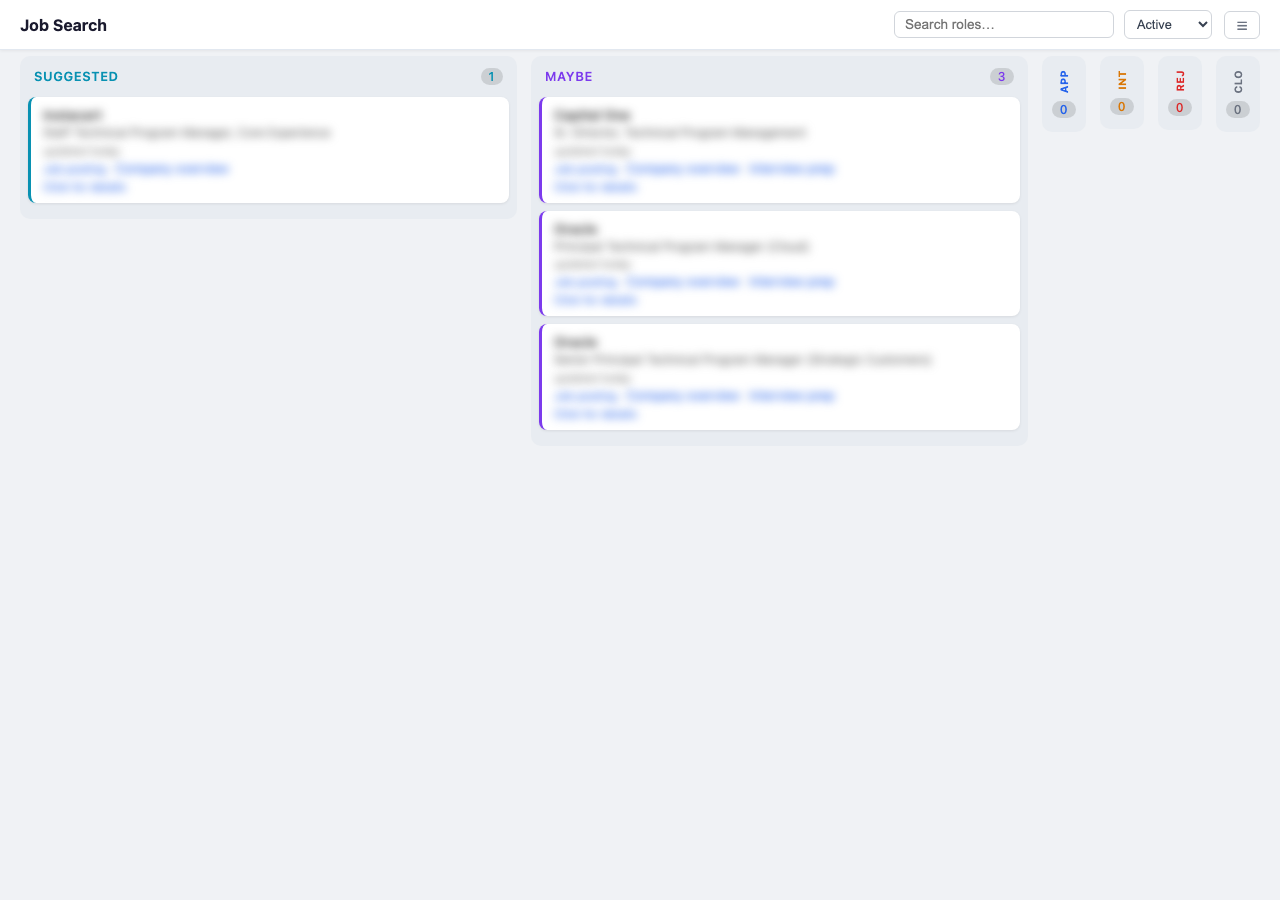
Dragging a card to update its status would be nice, right? Not possible in Claude Work.
If you’re building a kanban board—and I was—you can’t let people drag cards between columns or filter views interactively. The board is a snapshot, rendered fresh each time. So instead of client-side state, every mutation triggers a full regeneration. The actual generation takes about a second; the full cycle is closer to five seconds once Claude figures out which command to call. No stale state, no sync bugs.
I used the Compound Engineering tools to capture these constraints in a solution document because they kept surprising me:
- No
fetch()orXMLHttpRequest—the board can’t load data dynamically - No
localStorage—the board can’t remember user preferences - No event listeners that modify DOM—the board is read-only once rendered
All the filtering, searching, and privacy blurring is purely client-side code that cannot—by design and by constraint—change the actual YAML files. The board is a pure function: tracker data in, HTML out.
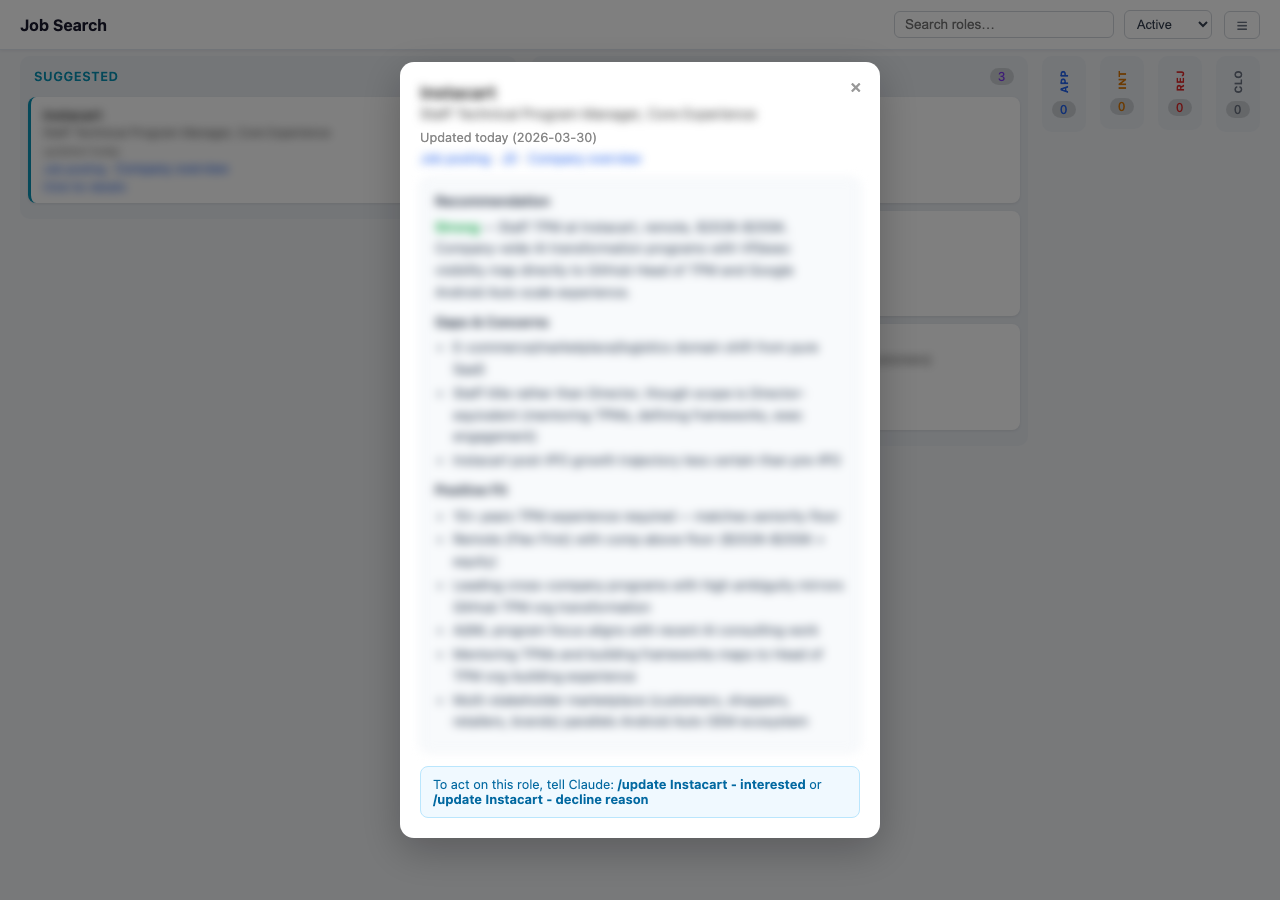
Role detail view. Static HTML, but it links out to saved JDs, company research, and interview prep docs.
There’s no accounting for taste #
By this point I was on a roll and very impressed with myself. So I showed the plugin to a trusted advisor (my wife). She had “feedback.”
The original /setup asked a dozen open-ended questions with no indication of how many were left or what you’d get at the end. It felt like sitting for an examination. I couldn’t see it because I’d been too close to the code, but she nailed it immediately. That’s taste—knowing what the experience feels like to someone who isn’t the builder—and I needed outside help to get it. The fix was a quick-start option and explicit progress indicators. From the setup skill:
1. Full setup (recommended, ~10 minutes) — I’ll interview you about your background, preferences, target role types, dream companies, and search sources.
2. Quick start (~3 minutes) — Just give me your resume and a short description of the kinds of roles you’re interested in. I’ll infer the rest and you can refine later with
/tweak.Everything is adjustable after either path — nothing is permanent.
Lesson 2: Scripts for determinism, LLMs for judgment #
The first version let Claude do everything—search for jobs, assess them, and write results directly to YAML files. It broke constantly. Inconsistent indentation, dropped fields, fabricated file paths. Two commits on day three tell the story: “Fix file linking rule: use real paths, never guess URLs” and “Never linkify file paths”. Both were responses to Claude inventing paths that didn’t exist.
The turning point was “Add config commands: all YAML mutations through tracker.js.” This introduced a rule that’s now carved into the plugin’s instructions:
All tracker.yaml and filters.yaml mutations MUST go through the tracker.js script. Never write YAML by hand.
tracker.js is a Node.js script that handles all file mutations. Claude calls commands like set-profile, set-archetypes, update-filter-list. Each command validates against a schema, enforces required fields, and creates automatic backups. Claude handles the judgment—searching, assessing fit, detecting decline patterns. The script handles correctness—validation, normalization, file paths. Once I accepted that split, the bugs stopped.
Lesson 3: Teaching Claude to be a domain agent #
The architecture is built around skills (domain knowledge) and commands (actions). I tried writing this as one big prompt at first. It was messy. Splitting them made each piece easier to write and iterate on independently.
Skills are documents that teach Claude expertise—not code. The search skill knows how to construct job board queries, interpret compensation ranges, and distinguish genuinely remote roles from “remote but actually you need to be in NYC three days a week.” Here’s what a search looks like from the user’s perspective, straight from the skill file:
Phase 1: Searching sources       "Searching LinkedIn... found 12. Checking Wellfound... 4 more."
Phase 2: Assessing candidates    "Assessing 9 roles... found 3 strong matches so far."
Phase 3: Building your pipeline  "Added 6 roles to your board. Launching company research..."
Phase 4: Ready for review        "Board is ready. Want to walk through the new suggestions?"
Commands wire up the actions: /search runs a sweep, /assess evaluates a specific posting, /prep generates interview preparation.
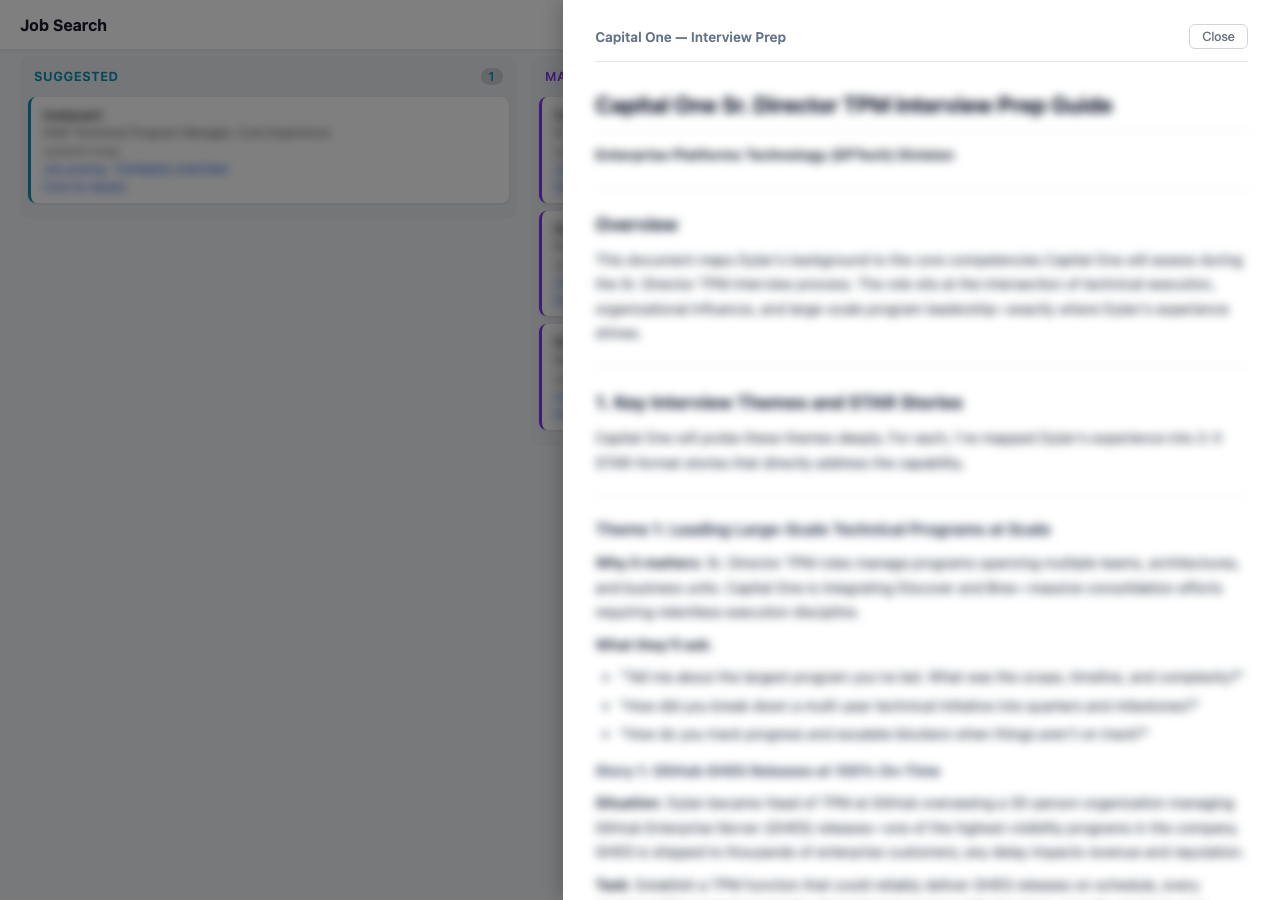
Interview prep doc generated by the /prep command, mapped to the specific role.
Plain files as agent state #
Here’s my actual job search folder on Google Drive:
Job Search/
├── archetypes.yaml
├── briefs
├── companies
├── filters.yaml
├── Kanban
├── profile.yaml
└── tracker.yaml
No database, no API. Just YAML that Claude reads and tracker.js writes. You can open any file and see exactly what the agent knows about you. Debuggable, portable, and syncs with standard file tools.
The learning loop #
This is the part I’m happiest with. The agent learns from normal conversation. You don’t configure anything—you just talk to it.
“I don’t like this role because the team is too small, but I like the company—keep an eye on them.” That gets internalized. The role gets declined, the reason gets checked for patterns, and the company goes on a watch list. All through tracker.js, all in filters.yaml.
“This seems like a good job board for late-stage startups—add this to your search.” Next sweep, it’s included. You don’t edit a config file. You just say what you want and the agent updates its own instructions.
The first review session frames this explicitly:
This first review helps me learn what you actually want. For each role, tell me what you think—your reactions help the agent get smarter.
The “model” is a YAML file. The “training” is appending a line. The “inference” is Claude reading the file at the start of each search. Crude compared to a real recommendation engine, but after two weeks of daily searches I don’t really look at the config files any more. I can check them through the board’s settings panel and it’s kind of wild how specific the filters have gotten—it’s genuinely tuned to me now, just from two weeks of casual feedback during review sessions.
The gap: why I open-sourced it #
I wanted to sell this. On day two I added a paid license. But the plugin runs entirely on the user’s Claude subscription—each search sweep burns 15-20 minutes of Claude time, and I couldn’t figure out how to not foot that bill. Anthropic doesn’t offer OAuth, there’s no simple bring-your-own-key pattern for non-technical users, and becoming the middleman for API keys and billing is a whole company, not a side project.
So I open-sourced it. Until there’s a clean way to charge for the intelligence layer without taking on the compute layer, a lot of useful tools like this will stay free or just won’t get built.
Where to find it #
- Website: jobs4me.org—installation guide, workflow docs, and getting started
- Source: github.com/alwaysmap/jobs4me—everything is public, read the commit history if you want the unvarnished build story
- LinkedIn post: I wrote about the motivation and approach when I launched it
If you try it and find bugs, file an issue. If you build your own Claude Work plugin and learn something I missed, I’d genuinely like to hear about it.